The member asks
The assistant uses the record and the available account information to explain the balance or ease access to the portal. It serves through the channels the cooperative has enabled.

Argentina in River Plate Spanish; the rest in neutral Spanish; English for everyone else.
Every period brings bills, questions and payments to identify. Cobratia handles the repetitive and organizes what needs an administration decision, without replacing your management system.
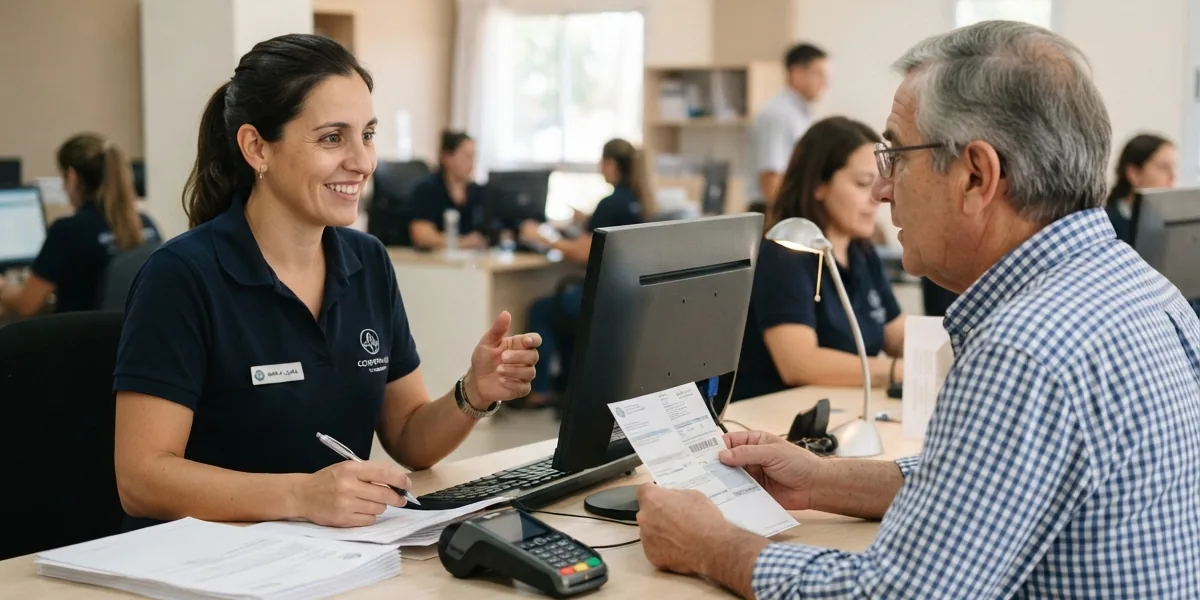
The assistant uses the record and the available account information to explain the balance or ease access to the portal. It serves through the channels the cooperative has enabled.
You separate bill notices from due-date reminders. Conditions, caps and minimum days between messages let you organize the batch without writing to everyone indiscriminately.
A complaint, a data correction or a balance dispute is flagged for the team. The note keeps the context of what the member asked.
Debt, invoices, movements and other modules are enabled according to each account's configuration and data. Ticking a box isn't enough: we review what the connector delivers and what information is worth showing the member.
Your system stays in charge. ERP balances aren't corrected from a conversation. Cobratia reports payments and requests changes; administration maintains the data in the source system.
What people ask us most before getting started. If something's missing, write to us and we'll answer it.
Yes. Each rule defines its conditions, channel, template, execution days and limits. The preview lets you review who it would reach before sending.
The portal can show invoices, debt and movements when your integration delivers that data and the corresponding modules are enabled. Data that isn't available isn't published.
The conversation is handed to the team for review. The assistant informs with the data available, but doesn't decide a write-off or rewrite the debt in your system.
First we understand your operation. Then we define the data, the rules and the people involved.
I want to be contacted